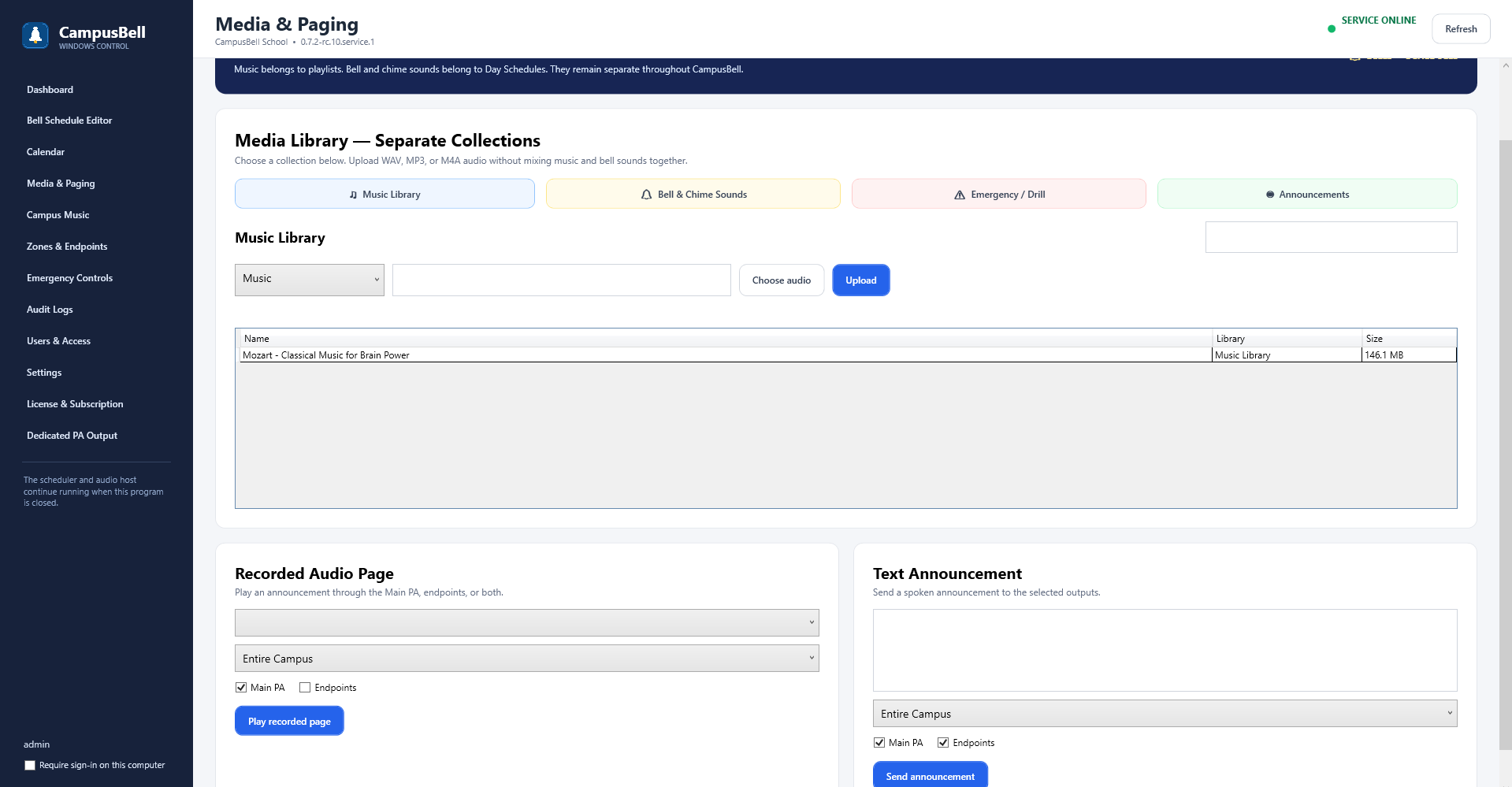
- Open Media & Paging
Go to the managed audio area.
- Upload approved files
Add the school audio you intend to use. Supported project builds include WAV, MP3 and M4A media.
- Wait for upload to complete
Large files are transferred as managed media rather than embedded directly into a schedule.
- Use the file from schedules or music
Select the approved item when building bell events, announcements or Campus Music playlists.