Weekly assignments
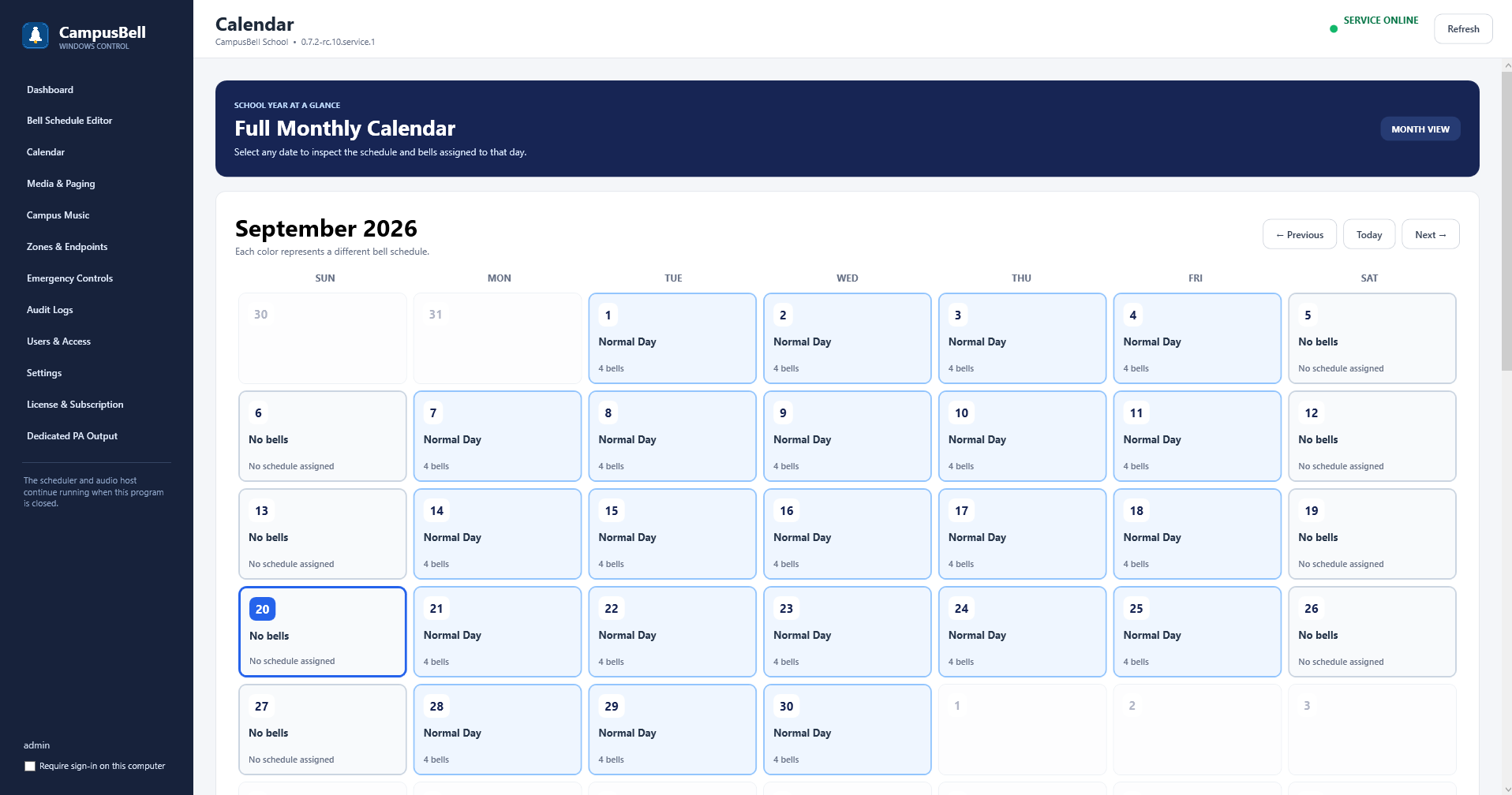
Use weekly assignments for the normal recurring pattern. Campus Bell paints those assignments onto the calendar so staff can see what schedule is expected on each date.
- Open Calendar
Use Previous, Today and Next to navigate months.
- Assign the normal week
Choose the appropriate reusable bell schedule for each school weekday.
- Review the month
Confirm schedule colors/names line up with the expected school days.
- Add exceptions only where needed
Use date exceptions for holidays and special schedules instead of modifying the normal week.