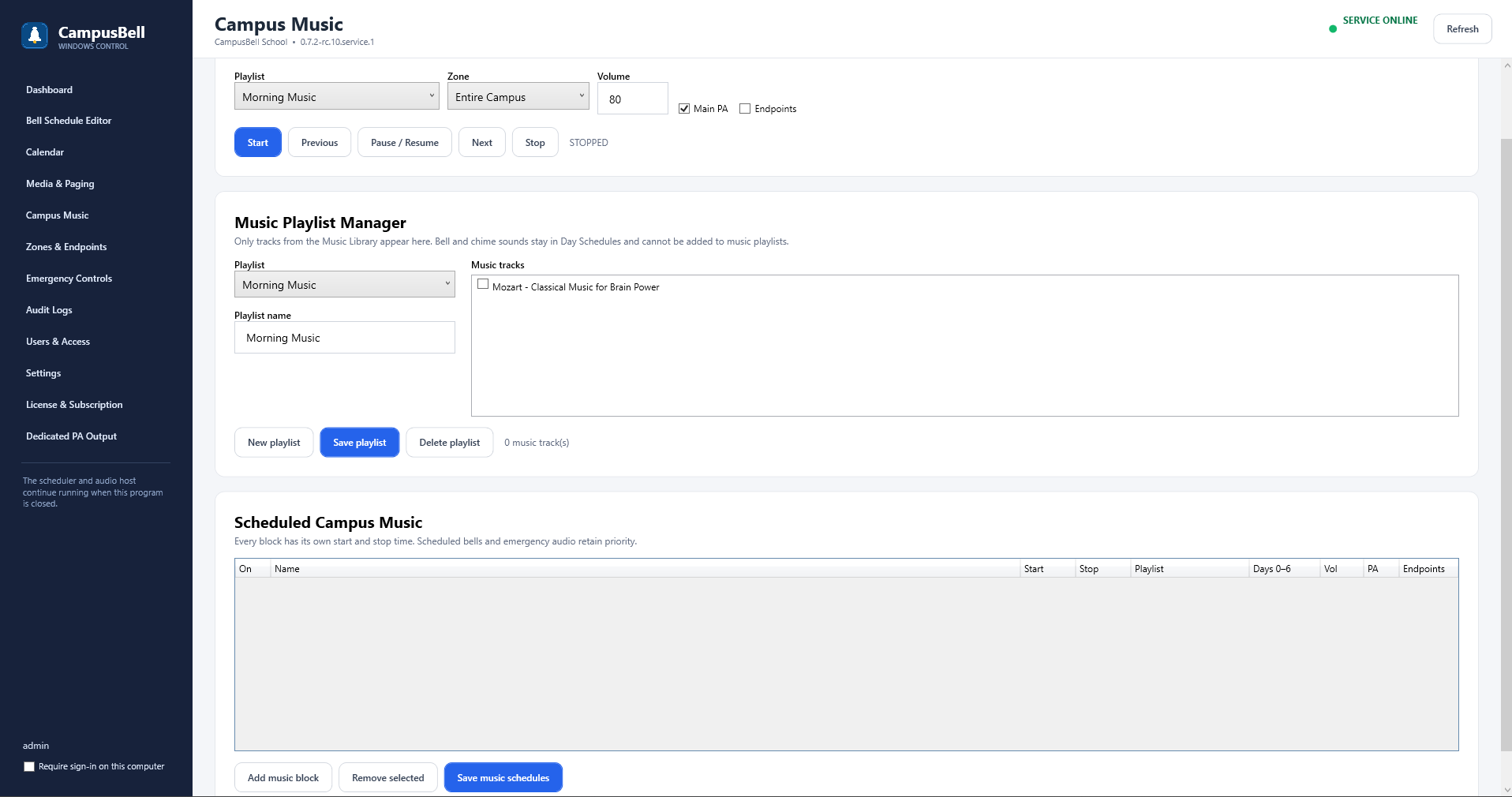
Manual controls
Campus Music supports playlist selection, zone/output selection, volume, shuffle, repeat, previous/next, pause/resume and stop. The controller does not need to remain the music source.
- Create a playlist
Choose approved music from the Audio Library.
- Choose output
Select Main PA, endpoint zones, or both as configured.
- Start playback
Start manually from Campus Bell Admin or an authorized Remote.
- Stop or let automation take over
Use Stop, or configure Scheduled Campus Music for the normal daily workflow.