Disable instead of delete when appropriate
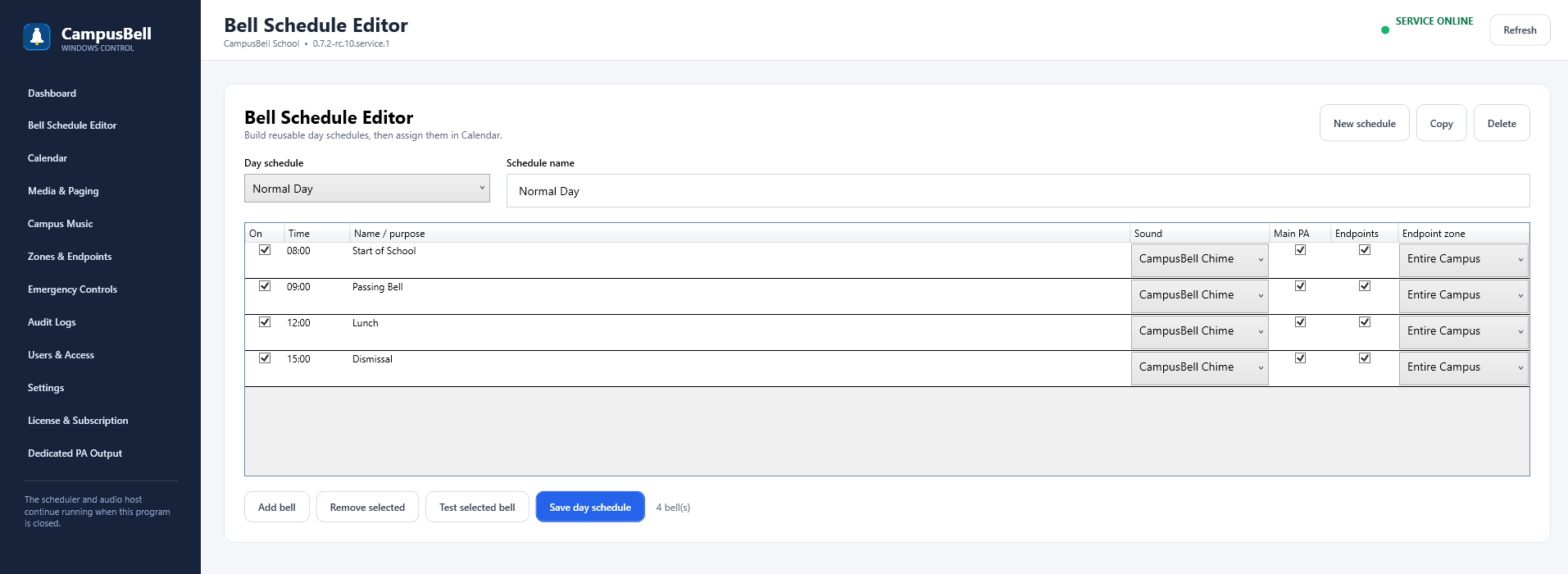
An inactive bell remains saved but should not fire. This is useful when a bell may return later or when you are testing a revised day pattern.
- Open the schedule
Choose the day schedule that contains the event.
- Edit the event
Change time, label, audio, target zone/output or Active state.
- Test the event
Use Test when changing audio or routing.
- Save and verify Calendar
Confirm the correct schedule is actually assigned to the date you intend to change.