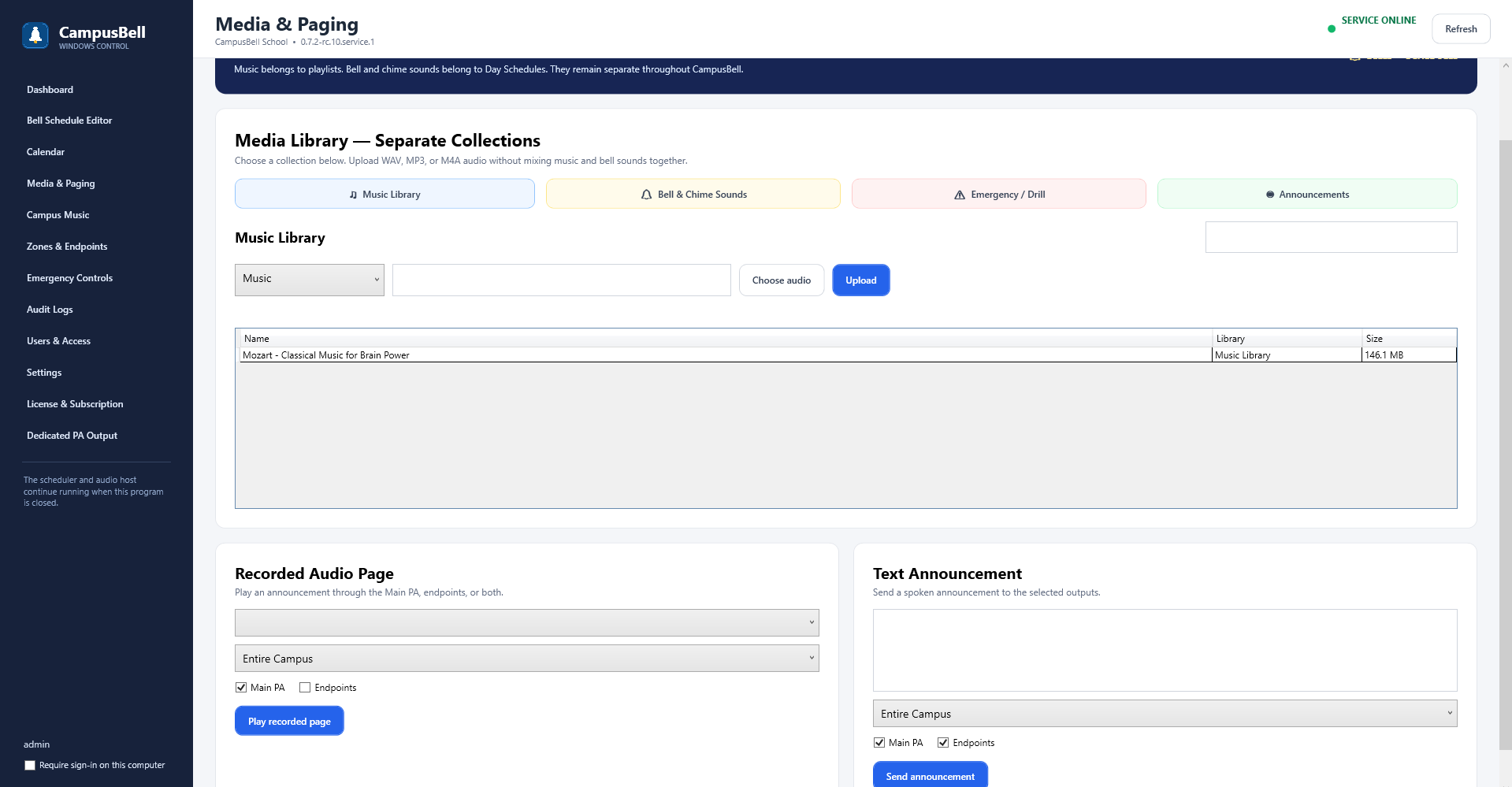
- Open Campus Bell Remote or the authorized live-page control
Make sure the Remote/administrator is connected to the correct Campus Bell Server.
- Select the target zone
Confirm the destination before beginning.
- Start GO LIVE
Begin the live paging session and allow microphone access in the supported client.
- Speak
Targeted endpoints receive the live stream; active Campus Music is preempted for the page.
- End the page
Use END LIVE when the announcement is finished.