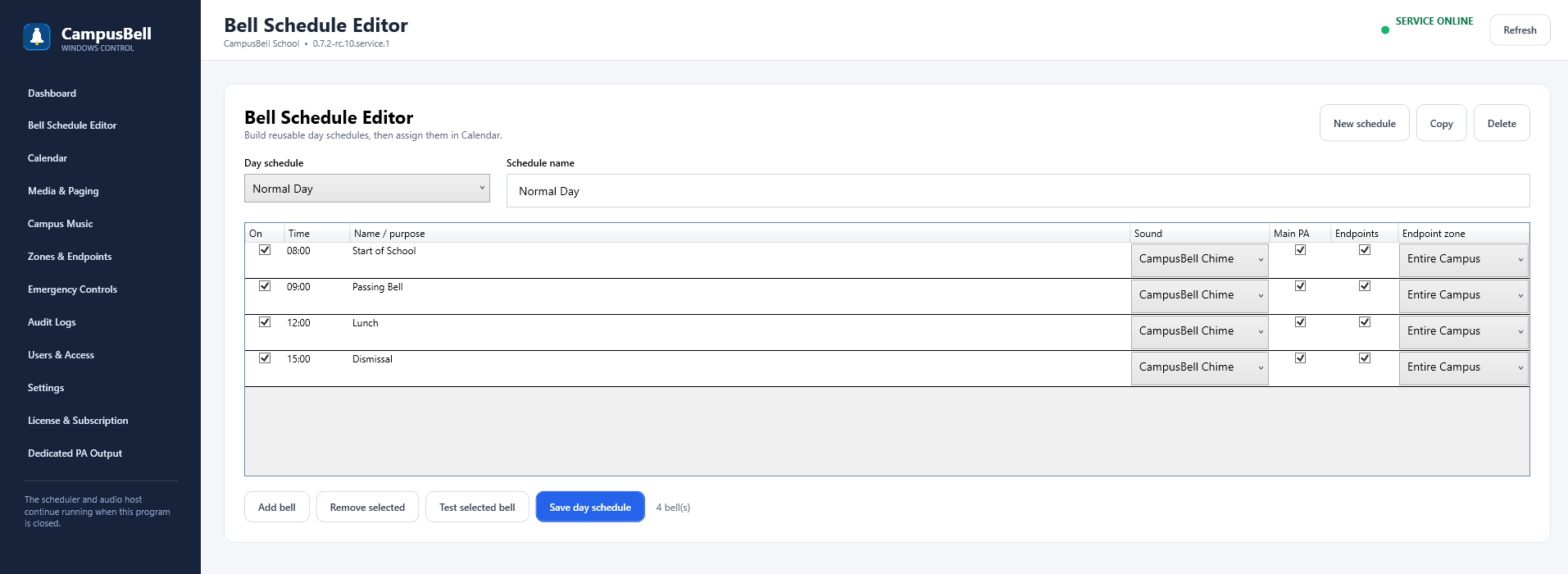
- Open Bell Schedules
Select the schedule area from the Admin navigation.
- Create a schedule
Use a descriptive name that staff will recognize on the Calendar.
- Add events in time order
For each event choose Active, time, label, audio and target zones/outputs.
- Test representative events
Use Test to verify both the audio file and destination.
- Save the schedule
The schedule can now be assigned to weekdays or exception dates in Calendar.