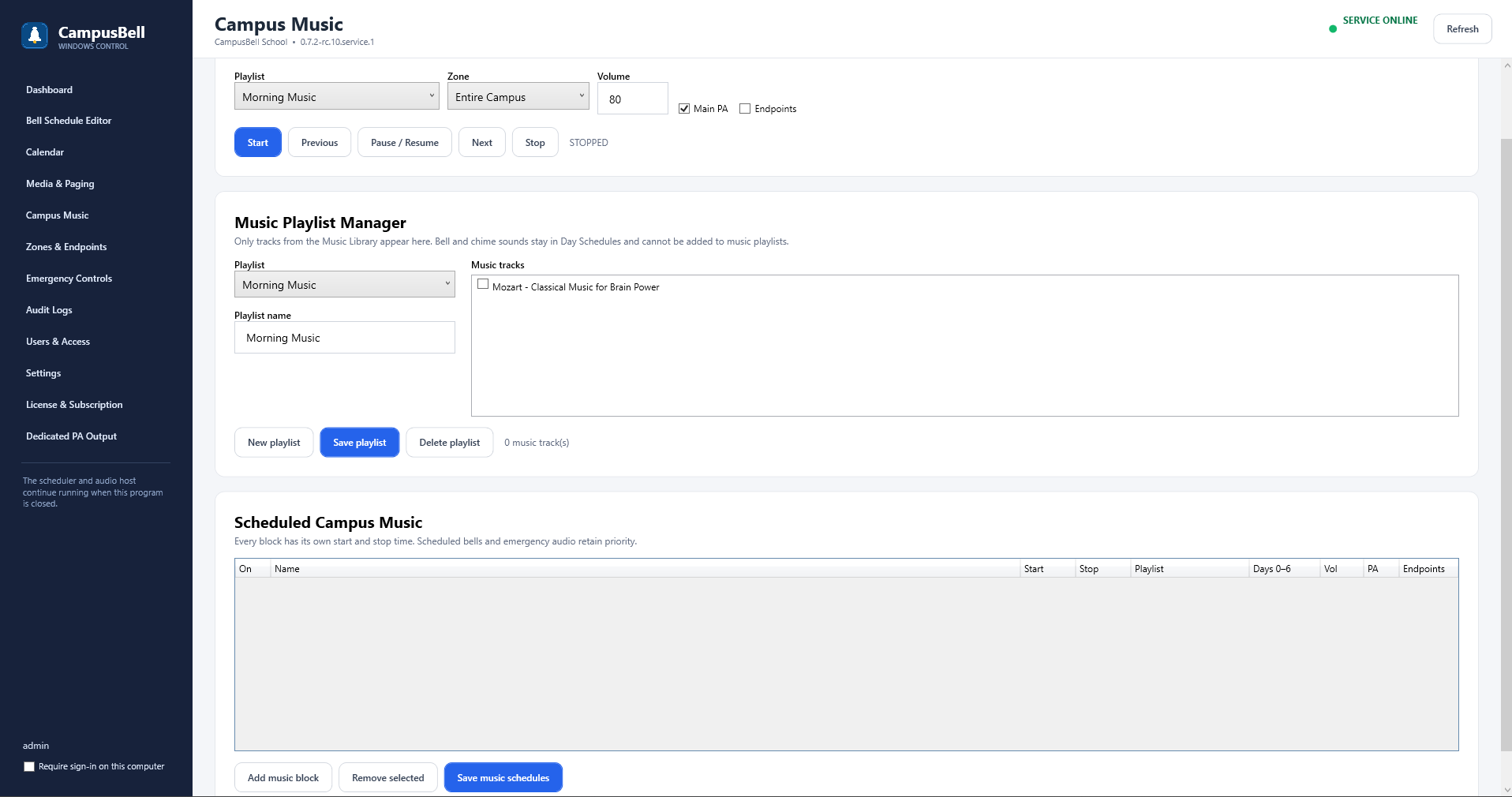
- Open Campus Music → Scheduled Campus Music
Enable the automatic routine.
- Set start time and days
Choose when the routine should begin and on which weekdays.
- Choose playlist and output
Select the playlist plus Main PA, endpoints, or both.
- Choose repeat behavior
Use Entire Playlist, Current Track or Stop at End. Enable Shuffle if desired.
- Configure first-bell cutoff
Set Stop before first bell plus lead/fade seconds.
- Save
Campus Bell uses the date’s active calendar schedule when calculating the first enabled bell.